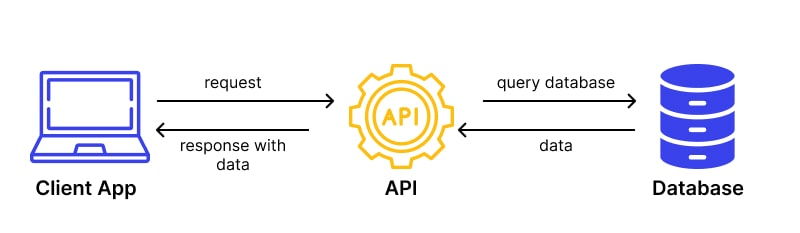
Learn how to handle various HTTP requests in React using both the fetch API and the axios library. This guide covers GET, POST, PUT, and DELETE requests with easy-to-follow examples, making it perfect for anyone looking to enhance their React skills.
import { useEffect, useState } from "react";
import axios from "axios";
const API_URL = "https://api.example.com/data";

// GET REQUEST
useEffect(() => {
  const fetchData = async () => {
    try {
      const response = await axios.get(API_URL);
      setData(response.data);
      setLoading(false);
    } catch (error) {
      console.error("Error fetching data:", error);
    }
  };


  fetchData();
}, []);

// POST REQUEST
const postData = async () => {
  try {
    const response = await axios.post(API_URL, {
      name: "New Item",
    });
    console.log(response.data);
  } catch (error) {
    console.error("Error posting data:", error);
  }
};

// PUT REQUEST
const updateData = async (id) => {
  try {
    const response = await axios.put(`${API_URL}/${id}`, {
      name: "Updated Item",
    });
    console.log(response.data);
  } catch (error) {
    console.error("Error updating data:", error);
  }
};

// DELETE REQUEST
const deleteData = async (id) => {
  try {
    await axios.delete(`${API_URL}/${id}`);
    console.log(`Item ${id} deleted`);
  } catch (error) {
    console.error("Error deleting data:", error);
  }
};